
Reactions
Make your audience feel seen — one reaction at a time.
A fast, visual way for audiences to respond without interrupting the experience.
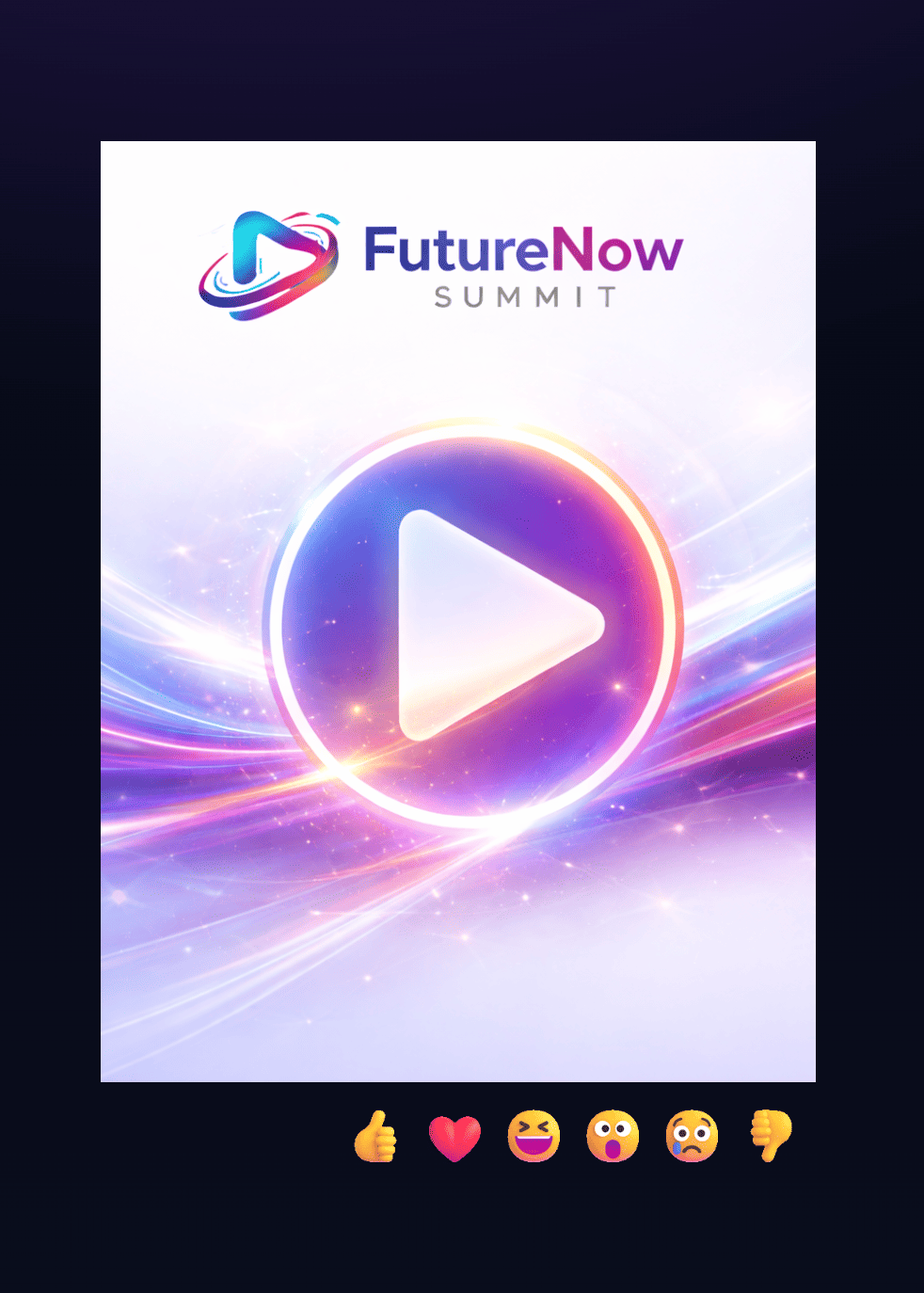
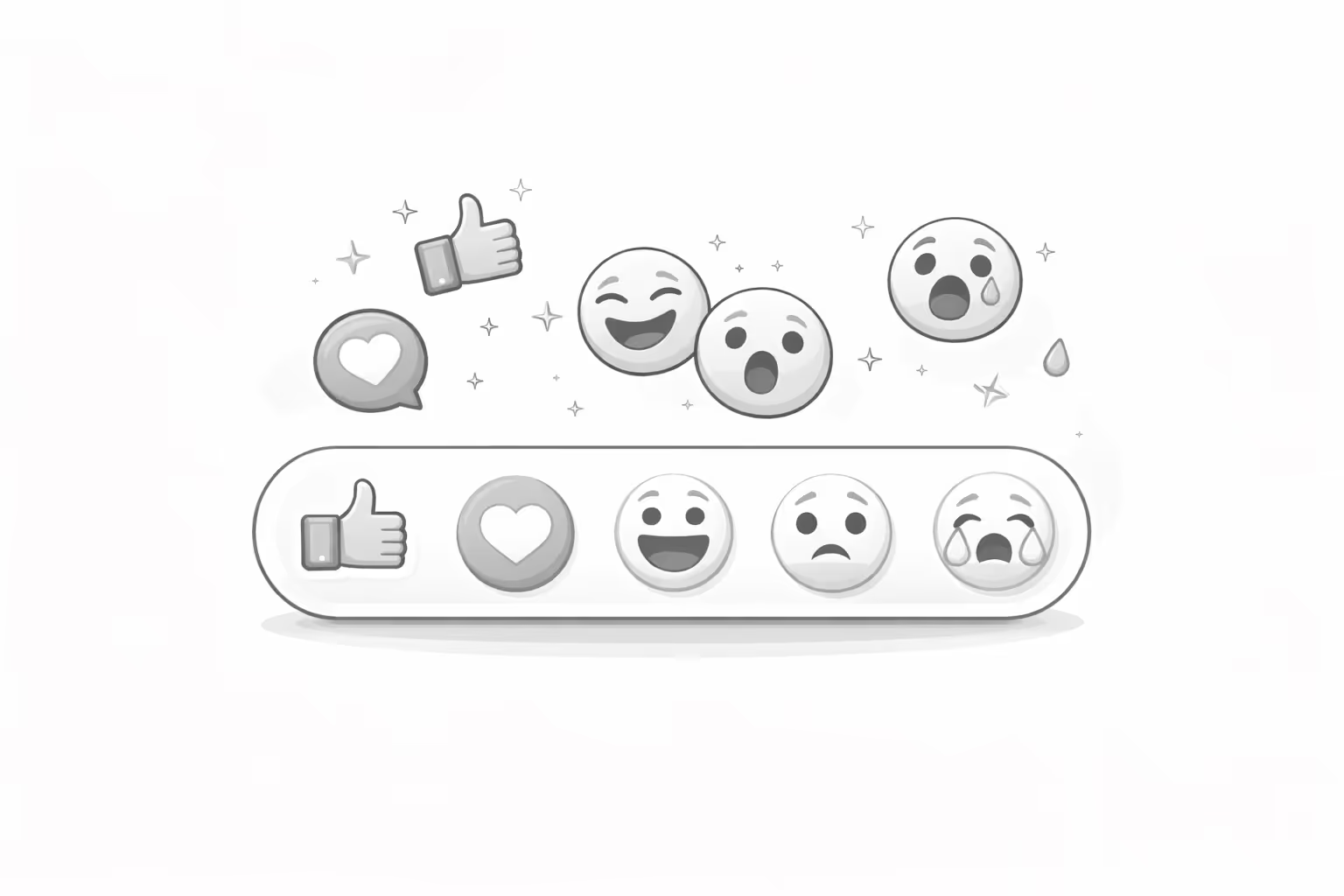
Give every viewer a voice — even the quiet ones.
Not everyone asks questions or joins a chat. Reactions gives everyone a way to connect instantly, with a single tap. Whether it’s applause during a keynote or hearts during a live product reveal, real-time reactions create a sense of shared excitement and presence that keeps audiences engaged longer.


Simple for users. Powerful for organizers.
Transform passive viewing into dynamic participation. Our reactions tool turns silent audiences into vibrant communities.
Tap to React: Visitors choose an emoji that matches their feeling.
Watch It Fly: Reactions float beautifully over the video stream, visible to everyone.
Analyze the Moment: In the dashboard, see when and how your audience responded in real time.
Interaction Made Effortless.
Floating Emojis
Real-time floating emojis appear over content, creating a lively shared experience.
Live Enable / Disable
Moderators can toggle reactions on or off in real time — ideal for different event moments.
Audience Insight Timeline
Track reaction spikes across your content to see what moments truly resonate.

Customizable Sets
Choose from themed templates or upload your own emoji pack to fit your event style.
Seamless Integration
Add Reactions to any event website, stream page, or CMS block — no technical friction.
Part of the Pubble Suite
Controlled from the same dashboard that powers SuperApp, LiveQA, and more.
Bring it to life on the Wall
Push your SuperApp questions, Reactions, Selfies, CheckIns, or Shouts onto venue screens with Pubble Wall — the live display that turns engagement into spectacle.
Reactions that speak louder than words
Reactions has powered major corporate broadcasts and hybrid events, allowing thousands of viewers to react live to keynotes, announcements, and product reveals. The result: more visible engagement, better feedback, and a tangible sense of community — all through a single widget.
Instant emotion
Timeline graph showing engagement spikes during a live event.
Emotional analytics
Example stats: “32,000 reactions in first 10 minutes,” “Average viewer engagement +25%.”
Turn every event moment into a shared experience.
Bring emotion and instant connection to your live events with Reactions by Pubble — the simplest way to make your audience feel part of the story.
FAQs
Get answers to the most common questions about Pubble's engagement tools.
Reactions lets your audience instantly express how they feel by tapping emojis that float over your event content — creating a visible, shared layer of emotion during live or on-demand sessions.
It lowers the barrier to participation. Even viewers who don’t chat or post can still react — turning passive audiences into active ones and amplifying the sense of community and excitement.
Reactions can be embedded under live or on-demand videos, hero sections, or any event page where you want to capture audience emotion. It works seamlessly on both desktop and mobile.
Absolutely. You can choose from multiple reaction templates or upload your own emoji set, ensuring the experience aligns with your event theme or brand identity — whether it’s a corporate summit or a gaming broadcast.
Yes. Moderators can enable or disable reactions in real time directly from the Pubble dashboard — ideal for managing focus during key moments like presentations or product reveals.
Reactions supports tens of thousands of concurrent participants without performance issues, making it suitable for global corporate events and large-scale live broadcasts.
You’ll have access to detailed reaction analytics, including a timeline view that shows when each emoji was used and how engagement evolved throughout the session — offering insights into audience sentiment and content performance.
Reactions can run as a standalone widget or be integrated within SuperApp for a unified engagement experience — combining real-time chat, polls, and reactions in one view.
No. Reactions is fully browser-based and runs natively within your event page. Attendees simply tap to react — no login, download, or third-party app required.
Reactions inherits Pubble’s enterprise security framework, including encrypted data handling, GDPR compliance, and optional anonymized participation to protect user privacy.
The reaction data can help you identify which segments of your content resonate most, informing future programming, sponsor reporting, and audience experience optimization.
Most clients are live within a few hours. Our onboarding team assists with widget setup, custom design, integration testing, and moderator training to ensure a flawless launch.
Still have questions?
Our team is ready to provide detailed information and personalized guidance.