


SlideCast

Every slide. Every screen. In perfect sync.

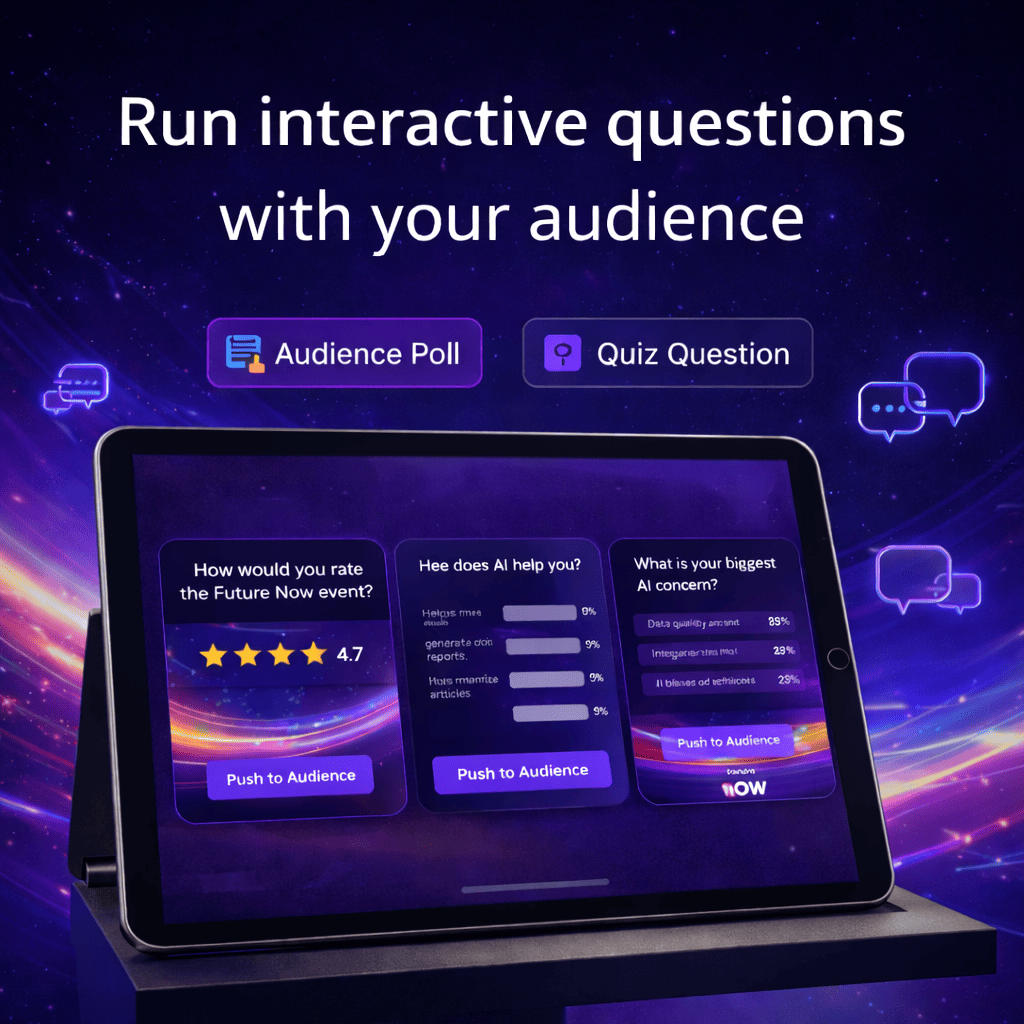
Bring your presentations to life with real-time audience interaction — polls, questions, and reactions, all integrated directly into your slides.

Innovation

From presentation to participation.

SlideCast turns traditional slides into interactive experiences.
Unlike tools that only show polls or quizzes, SlideCast mirrors every slide — so your audience follows along on their phones, in real time. When an interactive slide appears, their screen transforms automatically into a live poll, Q&A, or feedback module.

Interactive polls, questions, and feedback

Real-time mobile audience sync

Works seamlessly inside PowerPoint and Google Slides

Question-anchored slides for deeper context

How It Works

Simple setup. Seamless experience.

Install the SlideCast Plugin

Add interactive slides directly in PowerPoint using our built-in tab.

Present as usual

As you advance your slides, the audience view updates instantly on their mobile screens.

Engage the audience

Polls, questions, and feedback modules appear automatically — no switching tools, no delays.

Empower

One screen, Two apps, one connected experience.

Innovative tools that transform how organizations connect and communicate
In Venue

Audience App

Your attendees simply scan the on-screen QR and join the session instantly. They can view every slide, submit questions, vote in polls, and give feedback — all in real time.

Online Event

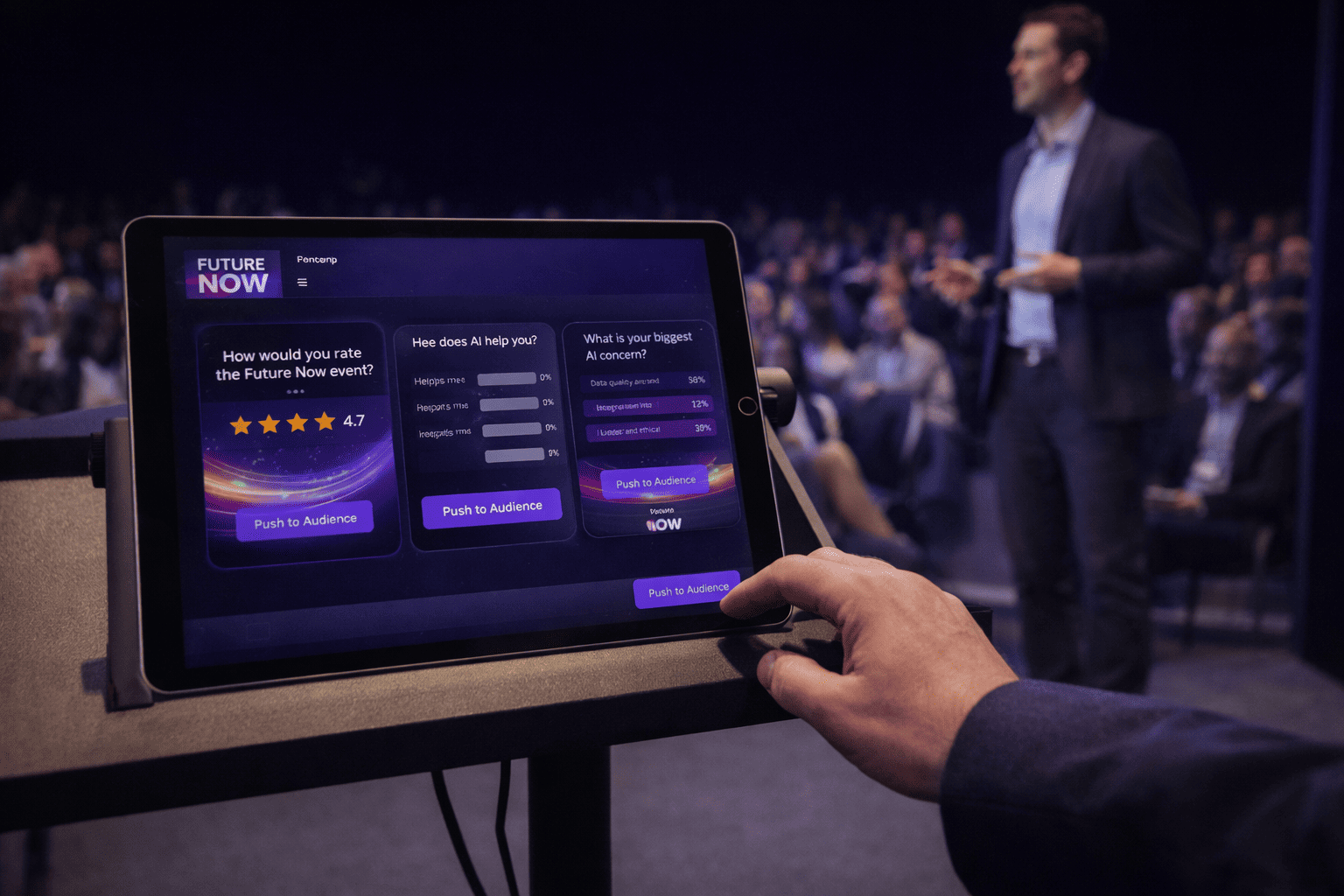
Presenter Lite Dashboard

The presenter gets a streamlined mobile dashboard to manage polls, approve questions, and view live feedback. No separate desktop dashboard required.

Engagement

Beyond Slido. Beyond polling.

Every slide mirrored in real time on participant screens.

Full Slide Sync

Every slide is mirrored on audience devices, not just interactive ones.

Contextual Q&A

Viewers can ask questions tied to any slide, so feedback stays relevant.

Zero setup

Managed from PowerPoint and Presenter Lite — no external dashboards.

Part of Pubble

Works seamlessly with Wall, SuperApp, and the rest of the Pubble ecosystem.

Case Study

Powering global engagement for Microsoft.

During Microsoft’s largest events—Build and Ignite—SuperApp was deployed across 200+ session pages and the main hero site, handling over 100,000 concurrent participants. With 100+ moderators managing Q&A, pushing polls, and tracking sentiment in real time, SuperApp kept the conversation flowing at enterprise scale.

Make every presentation unforgettable.

With SlideCast, your slides become a conversation — live, visual, and connected.
Start transforming your presentations today with the simplest, most integrated PowerPoint and Google Slides engagement tool on the market.

FAQs

Get answers to the most common questions about Pubble's engagement tools.

What is SlideCast?

SlideCast is a plugin for Power Point and Google Slides that transforms static presentations into live, interactive experiences. It mirrors your slides on audience mobile devices and allows real-time participation through polls, Q&A, and feedback — all synced automatically as you present.

How does it differ from tools like Slido or Mentimeter?

Unlike other tools that only activate during dedicated interaction slides, SlideCast keeps your audience connected at every moment. Every slide — even non-interactive ones — appears on audience phones in real time. When an interactive slide appears, it switches automatically to the matching activity.

What do attendees need to participate?

Nothing to install. Attendees simply scan a QR code displayed on your slide, which opens the Audience App in their browser. From there, they can view slides, vote in polls, ask questions, and share feedback instantly.

How does the presenter control the experience?

Presenters use the Presenter Lite Dashboard, a mobile-friendly control app that works in parallel with PowerPoint. It allows you to launch or close polls, moderate questions, and display results — all without leaving your slides.

Can I show results or questions on venue screens or streams?

Yes. SlideCast integrates with Pubble Wall, displaying live polls, questions, or reactions on any screen in your venue or online broadcast. It’s perfect for hybrid or large-scale events.

Does Pubble Sync require the Pubble Dashboard?

No. That’s one of its advantages. SlideCast is self-contained — you manage everything directly from PowerPoint and your Presenter Lite app. However, all interactions still connect to your main Pubble account for analytics and moderation consistency.

Is Pubble Sync secure for corporate use?

Completely. SuperApp can be styled to match your brand identity — colors, fonts, and icons — ensuring a seamless fit with your existing website or event platform design.

What kind of analytics or reports are available?

After each session, SlideCast generates engagement reports showing poll results, participation rates, sentiment trends, and question activity — accessible from the Presenter Lite app or your Pubble Dashboard.

Still have questions?

Our team is ready to provide detailed information and personalized guidance.